SkyHound360
Traffic and weather on its own screen, plus attitude data for your flight app.
Dual-band ADS-B In, NEXRAD and METARs on a 4.3-inch touchscreen. Fly it with your iPad, or without one. Works with ForeFlight, Garmin Pilot, iFly, and all other major EFBs.
AHRS selectedAttitude and synthetic vision in compatible EFBs+$100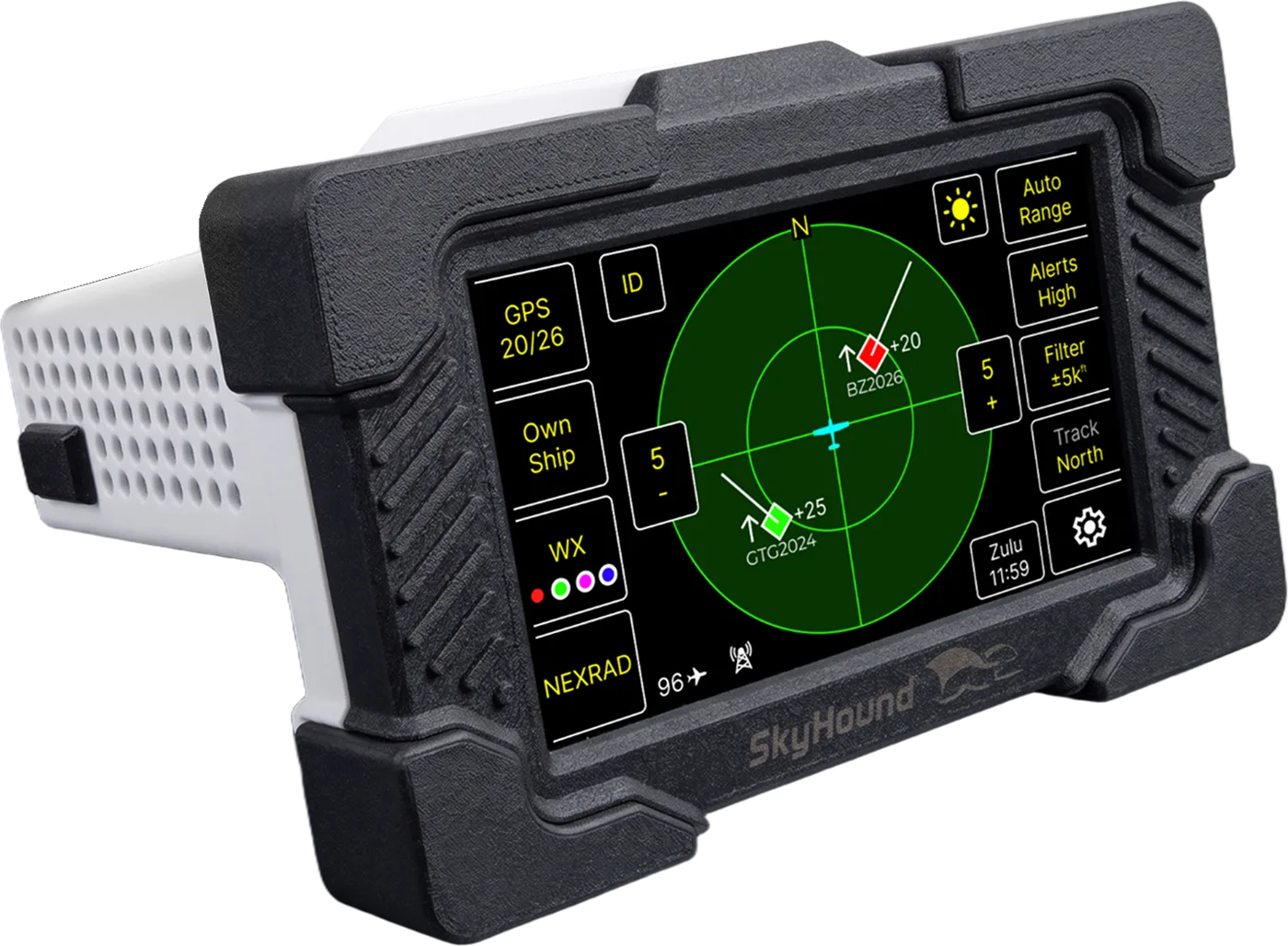
SkyHound360 
A portable all-in-one ADS-B IN solution with a built-in pilot facing 4.3 inch QLED touchscreen.
- Dual ADS-B frequency, internal GPS and pressure sensor
- Fully compatible with EFBs such as ForeFlight or Garmin Pilot
- NEXRAD imagery and decoded METARs
- Unique case design optimized to sit on the glareshield of most GA aircraft without obstructing view
- Designed to withstand high heat environments
- USB-C Powered
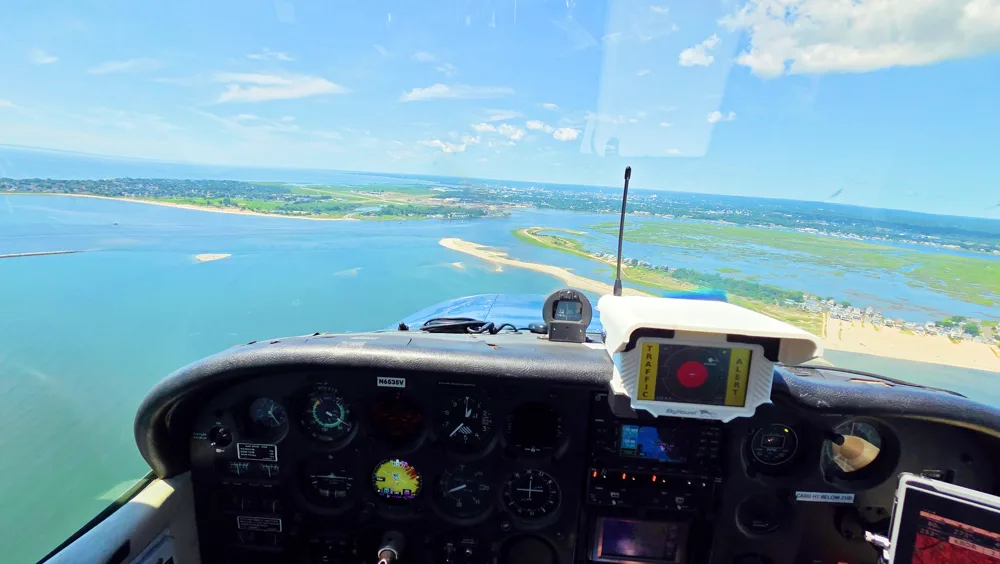
- Visual Traffic Alerts
- Audio out for audible alerts
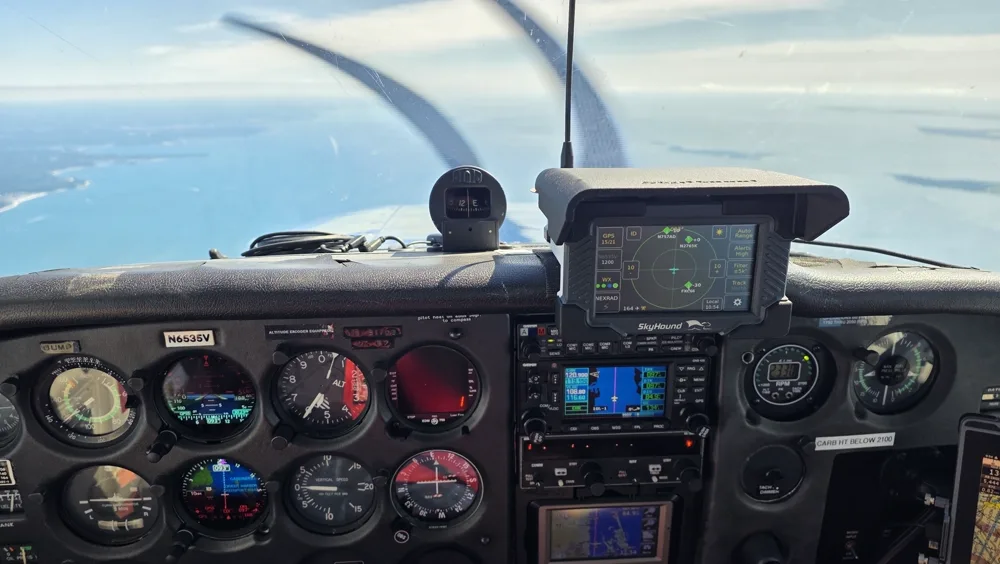
Traffic at eye level
SkyHound™ sits on the glareshield, in your line of sight, so traffic is a glance away instead of down on a tablet in your lap. Its case is shaped to rest on the glareshield of most GA aircraft without blocking your view.
And because it has its own display, traffic and weather stay up when the iPad overheats, runs flat or is busy with charts.
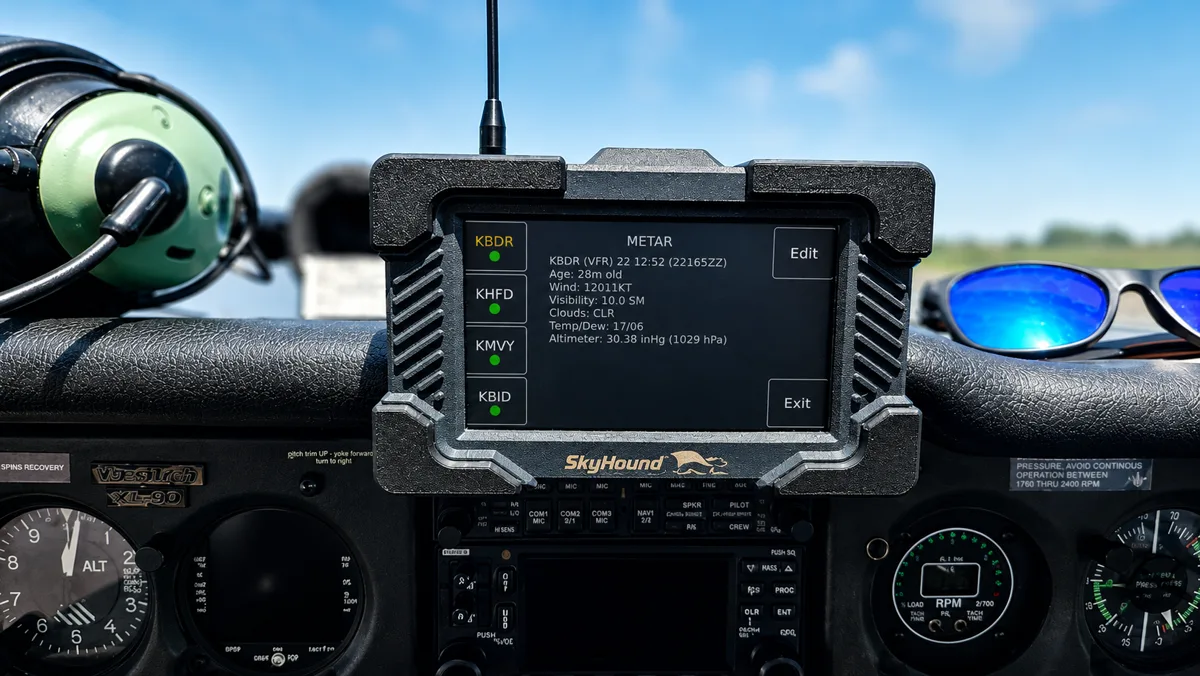
NEXRAD images and decoded METARs
FIS-B NEXRAD radar and decoded METARs come up on SkyHound™'s own screen, one tap from the traffic view. See what is building ahead and what the field is reporting without switching apps or reaching for a tablet.
Like traffic, it is all received free over ADS-B. No subscription.
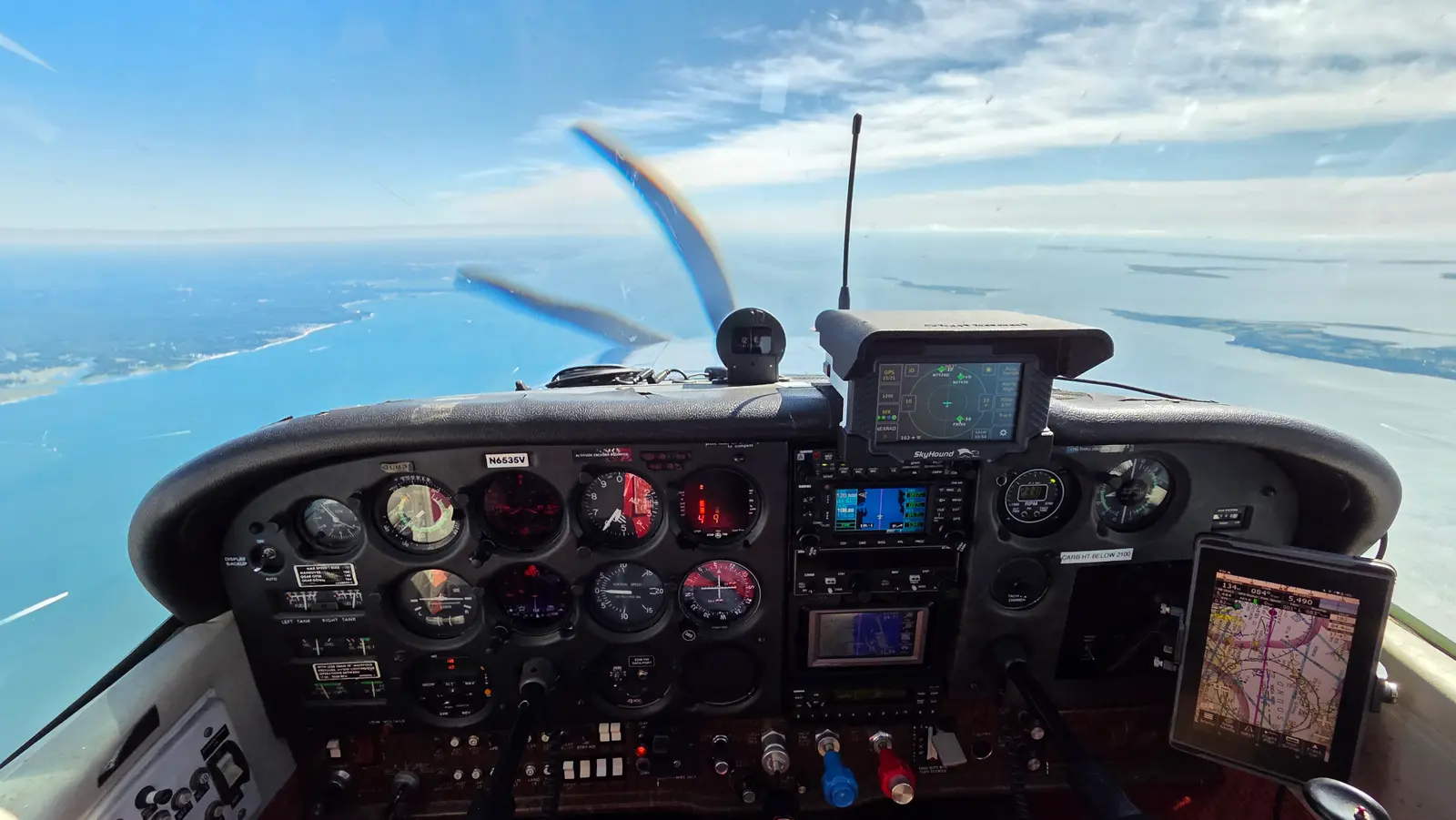
Works with an iPad too
SkyHound™ connects wirelessly to ForeFlight, Garmin Pilot and other compatible EFBs, just like any other ADS-B receiver. Your charts and planning stay in the app you already know.
So you get two displays instead of one: traffic at eye level on SkyHound™, and the full picture on the tablet.
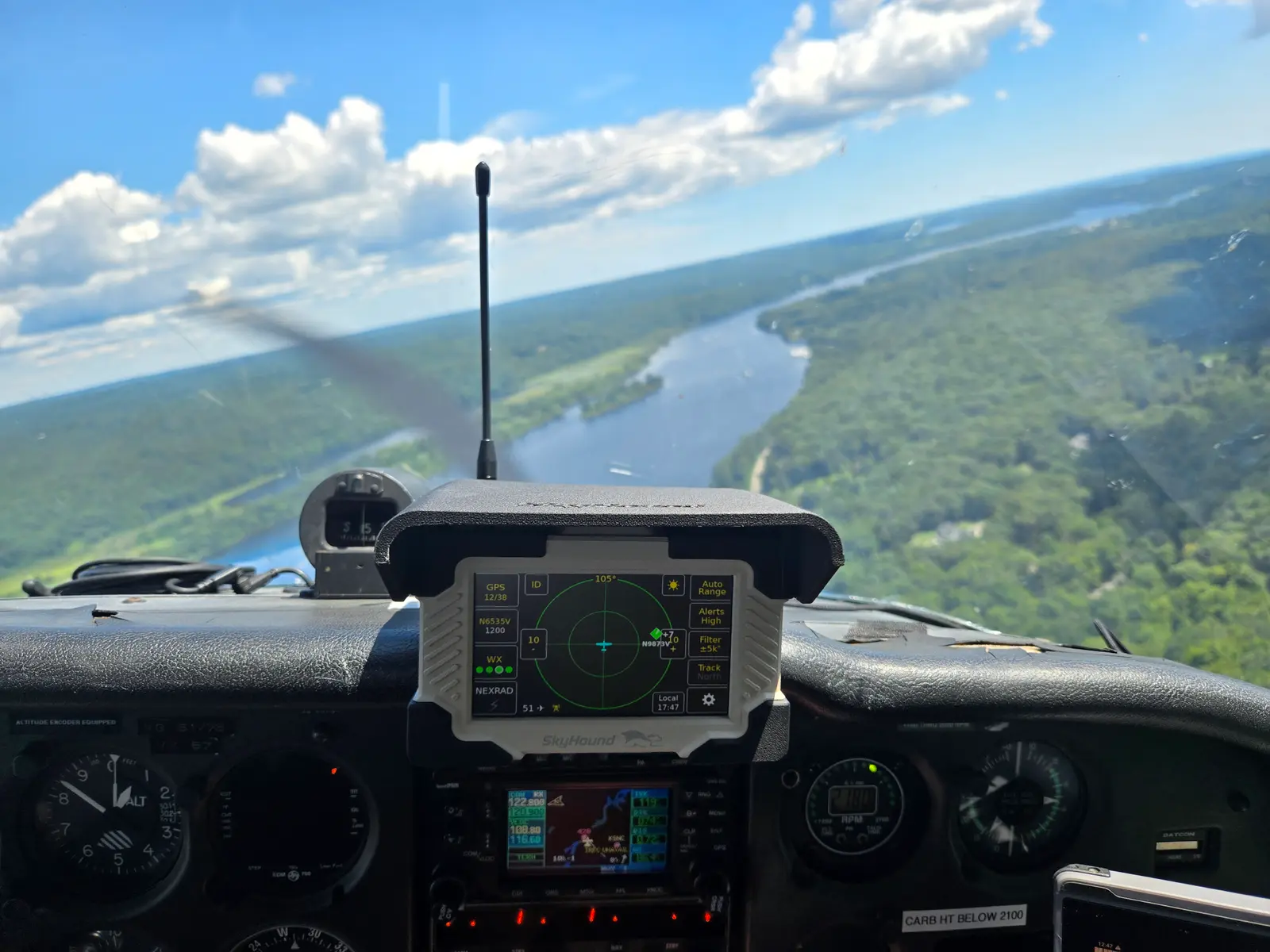
Built for a hot glareshield
SkyHound™ is rated to operate up to 60 °C (140 °F), so it keeps working on the glareshield through a summer afternoon on the ramp.
Every unit comes with a white or black sun shade to provide an air gap and keep the unit from overheating in direct sunlight.
Know when traffic is close
When traffic becomes a potential threat, SkyHound™ flags it on screen with a visual alert, right where your eyes already are.
Turn alerts on with a single tap and SkyHound™ keeps watching for conflicts while you fly.
Free updates for life
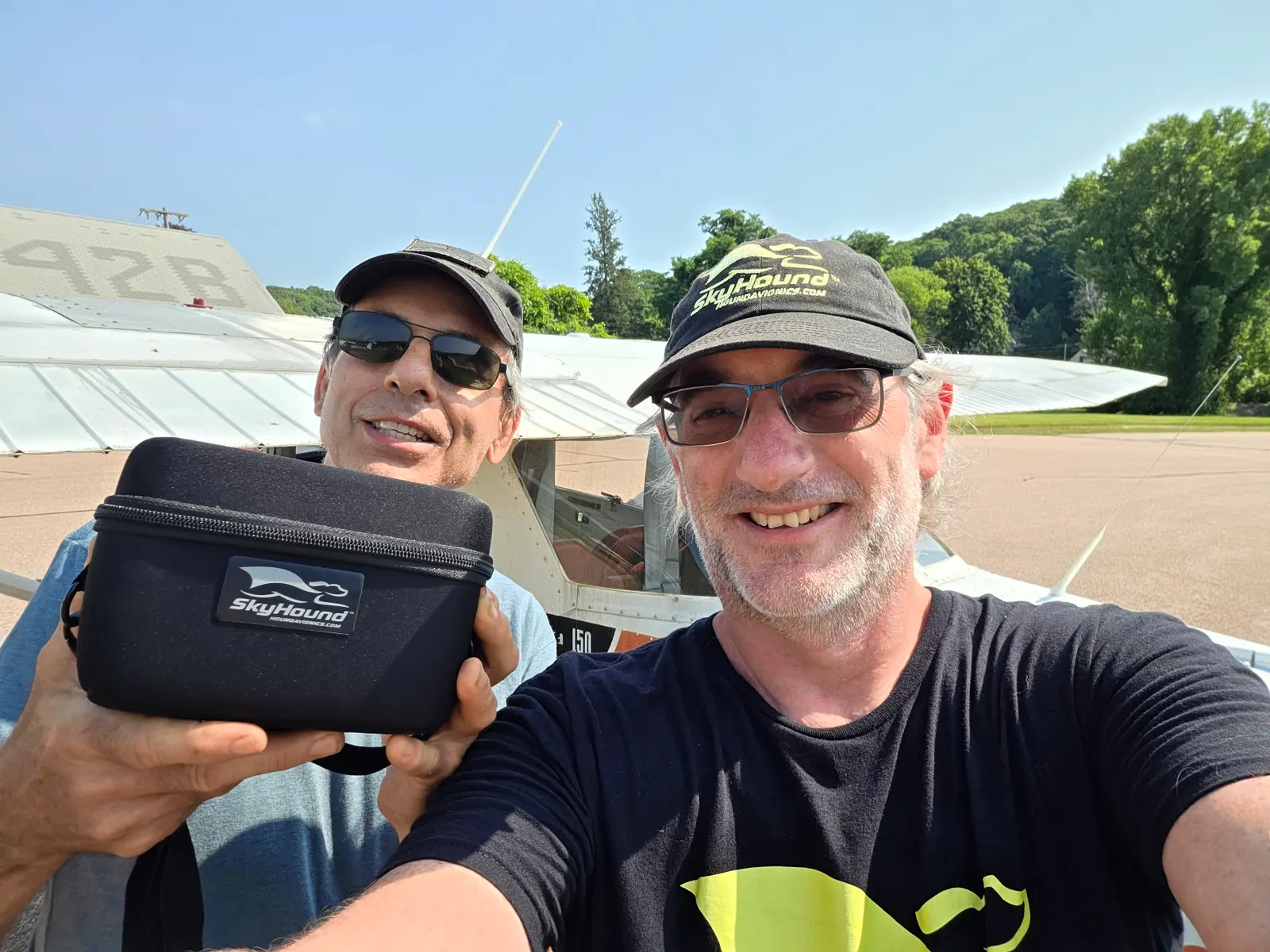
SkyHound™ keeps getting better after you buy it, and every software update is free for the life of the unit.
Update over Wi-Fi from the settings menu.
SkyHound™ in the Air
How We Stack Up
Competitor specifications sourced from manufacturer websites. Prices are as of November 2026.
Mount it your way
Every SkyHound™ comes with free velcro mounts, but we also offer more mounting solutions.
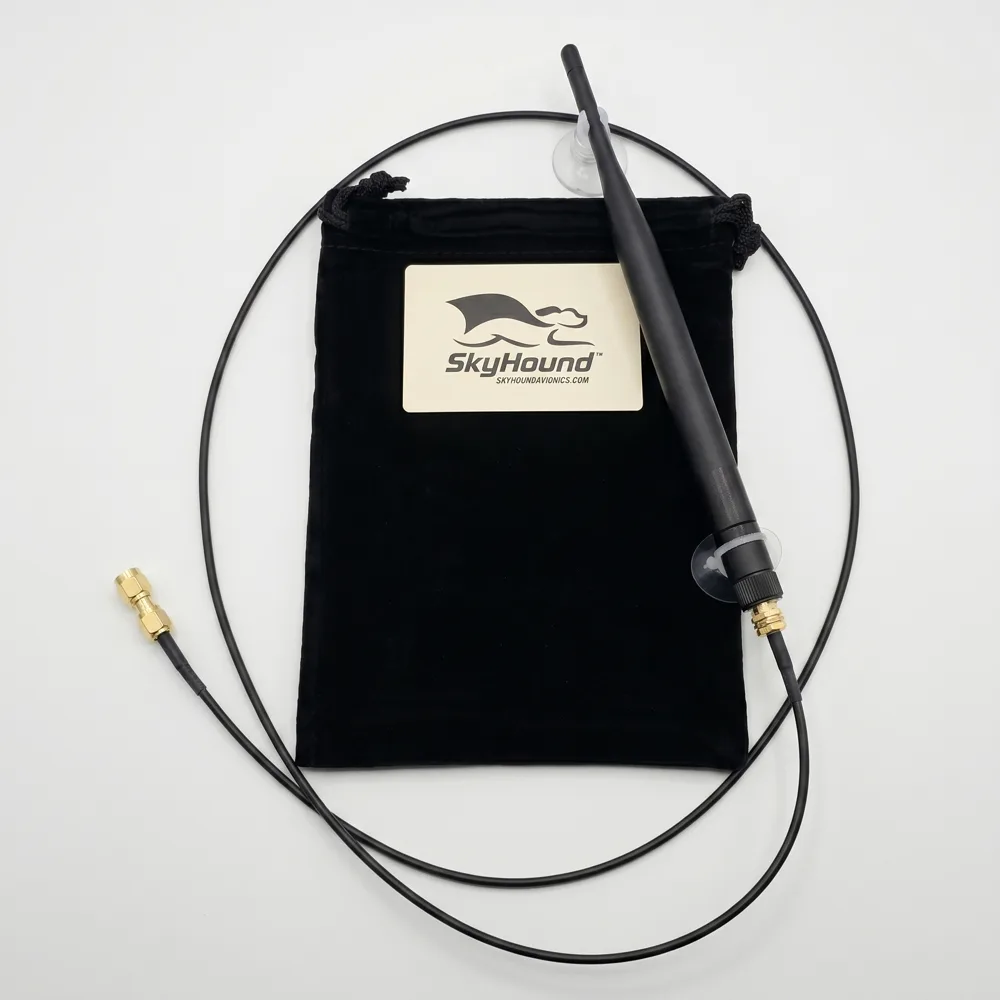
External Antenna Kit
$35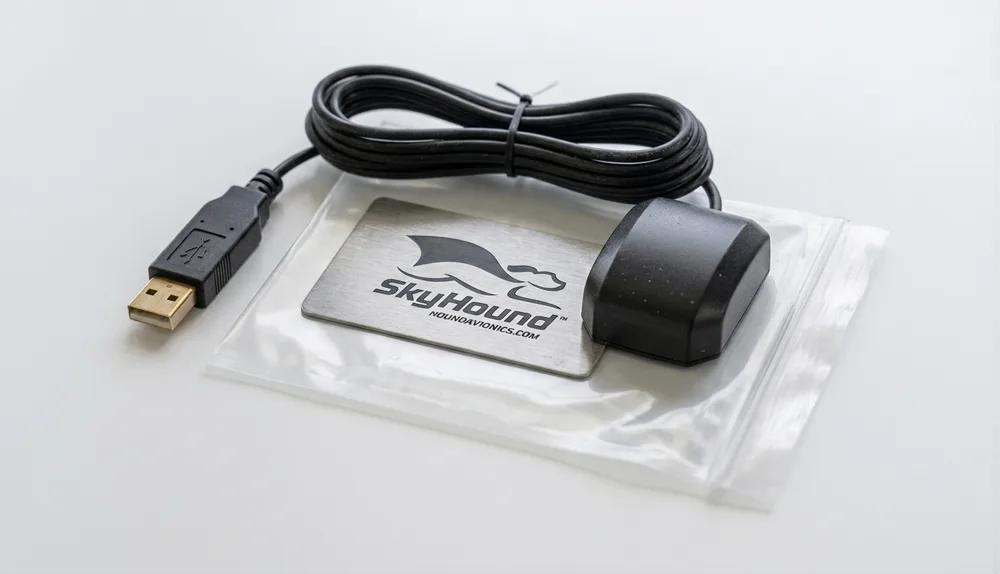
External GPS
$50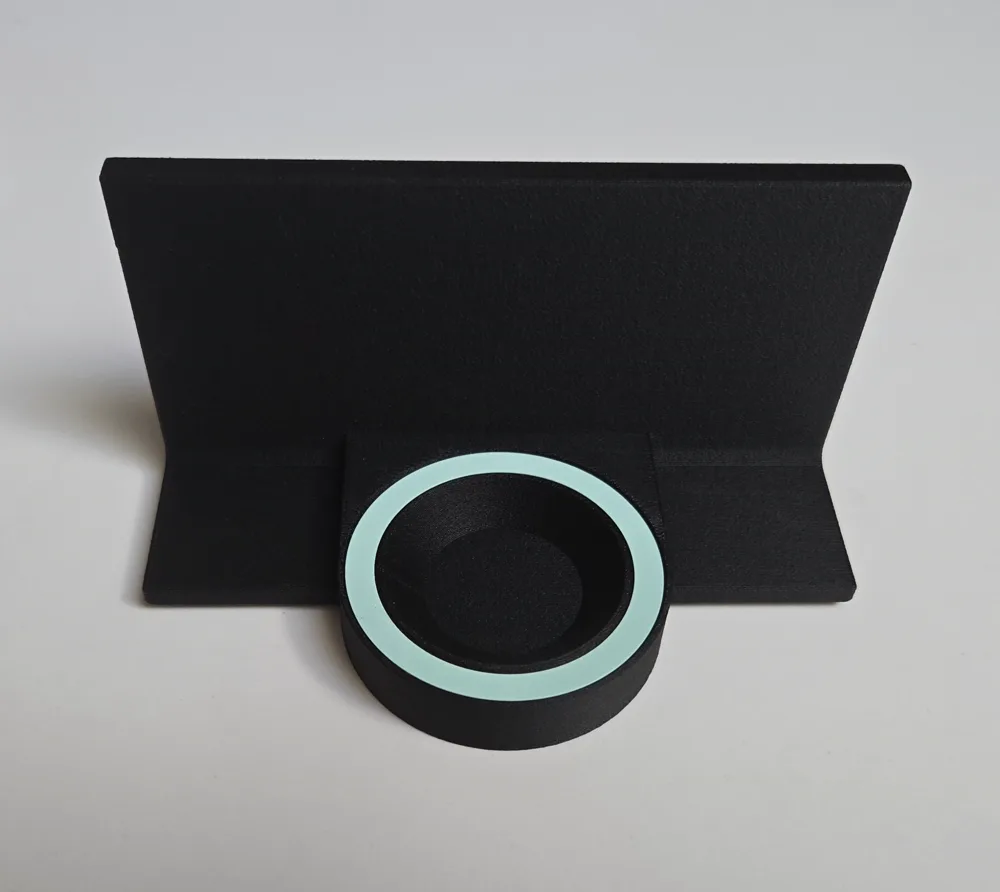
Magsafe Magnetic Adapter for SkyHound™
$25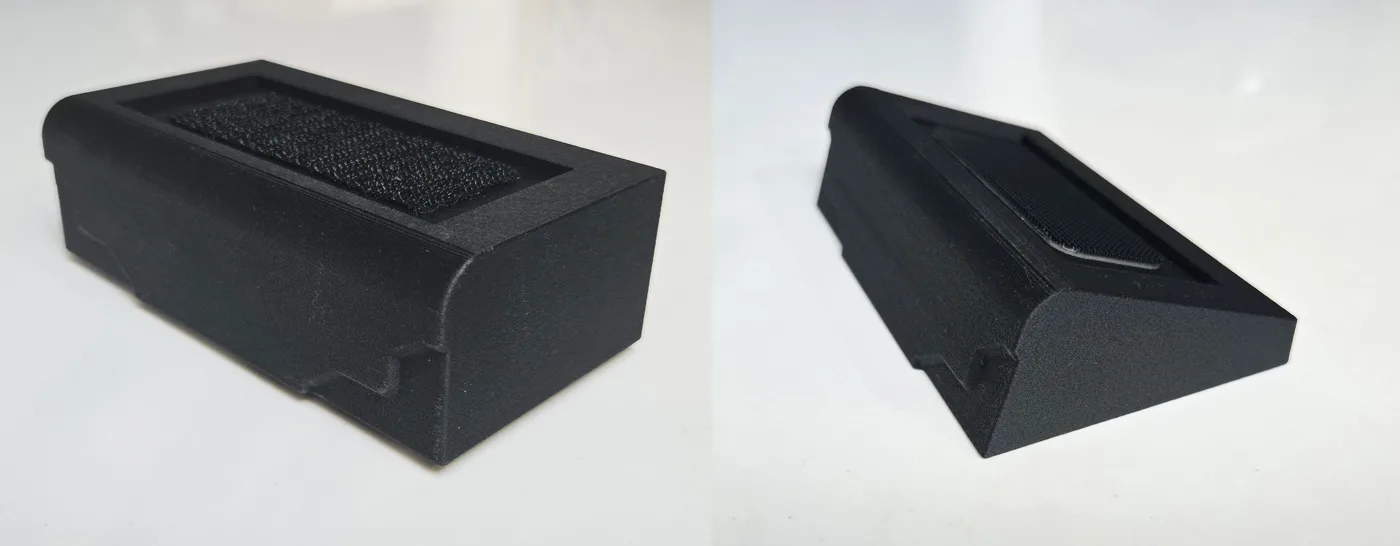
Straight and Angled Glareshield Mounts for SkyHound™
$25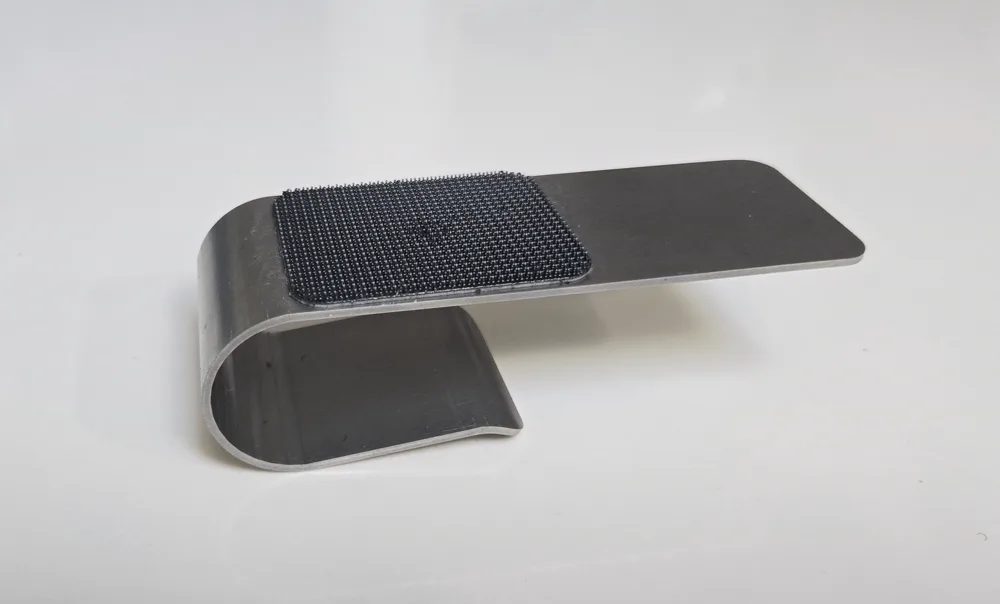
Metal Cuff Glareshield Mount for SkyHound™
$25
Common questions
Do I need a subscription?
No. There is nothing recurring to pay to see traffic and weather on SkyHound™, and software updates are free for life. But SkyHound is compatible with Major EFBs.
Do I need an iPad or tablet to use it?
No. SkyHound™ has its own 4.3-inch touchscreen that shows traffic, NEXRAD and METARs on its own. If you do fly with a tablet, it also connects wirelessly to ForeFlight, Garmin Pilot and other compatible EFBs.
Does it need to be installed?
No. It is fully portable and powered over USB-C. Set it on the glareshield, power it on and fly. It moves between aircraft as easily as your headset.
What is the difference between SkyHound™ and SkyHound360?
SkyHound360 adds an integrated AHRS that feeds attitude data to compatible EFBs such as ForeFlight, Garmin Pilot and iFly EFB. Everything else is the same.
What traffic and weather does it receive?
It is dual-band, receiving ADS-B on both 978 MHz and 1090 MHz, and shows traffic out to 100 NM. Weather is FIS-B NEXRAD radar and decoded METARs.
Will it hold up on a hot glareshield?
It is rated to operate up to 60 °C (140 °F), and every unit comes with a white or black sun shade to keep the screen readable in direct sun.
How do I update the software?
Connect SkyHound™ to Wi-Fi and run the update from the settings menu, or copy the update package to a USB drive and plug it into the USB-C port.
What if it is not right for me?
Every SkyHound™ comes with 30-day no-questions-asked returns and a 1-year warranty.